For macOS and Windows

Every file tool,
one gesture away.

Drag any file, press a key, and Orbo's wheel appears right under your cursor. Convert, compress, crop, remove backgrounds or pull out text, without opening an app.

macOS 12+ · Windows 10 & 11 · Works offline

The Orbo wheel

How it works

Three moves. No windows to open.

  1. 1

    Drag any file

    From your desktop, Finder or File Explorer, the way you always do.

  2. 2

    Tap a key

    Control opens Convert. Option opens Tools. You can pick other keys.

  3. 3

    Drop on the wheel

    The result is saved right next to the original. The original is never changed.

Try it here

One wheel that knows your file.

Orbo shows only what makes sense for what you're dragging. Pick a file and a wheel, then hover a segment. On this page you can also press Control or Option to switch wheels.

You're dragging
Wheel

Hover a segment to see what it does.

Tools

The things you used to need five apps for.

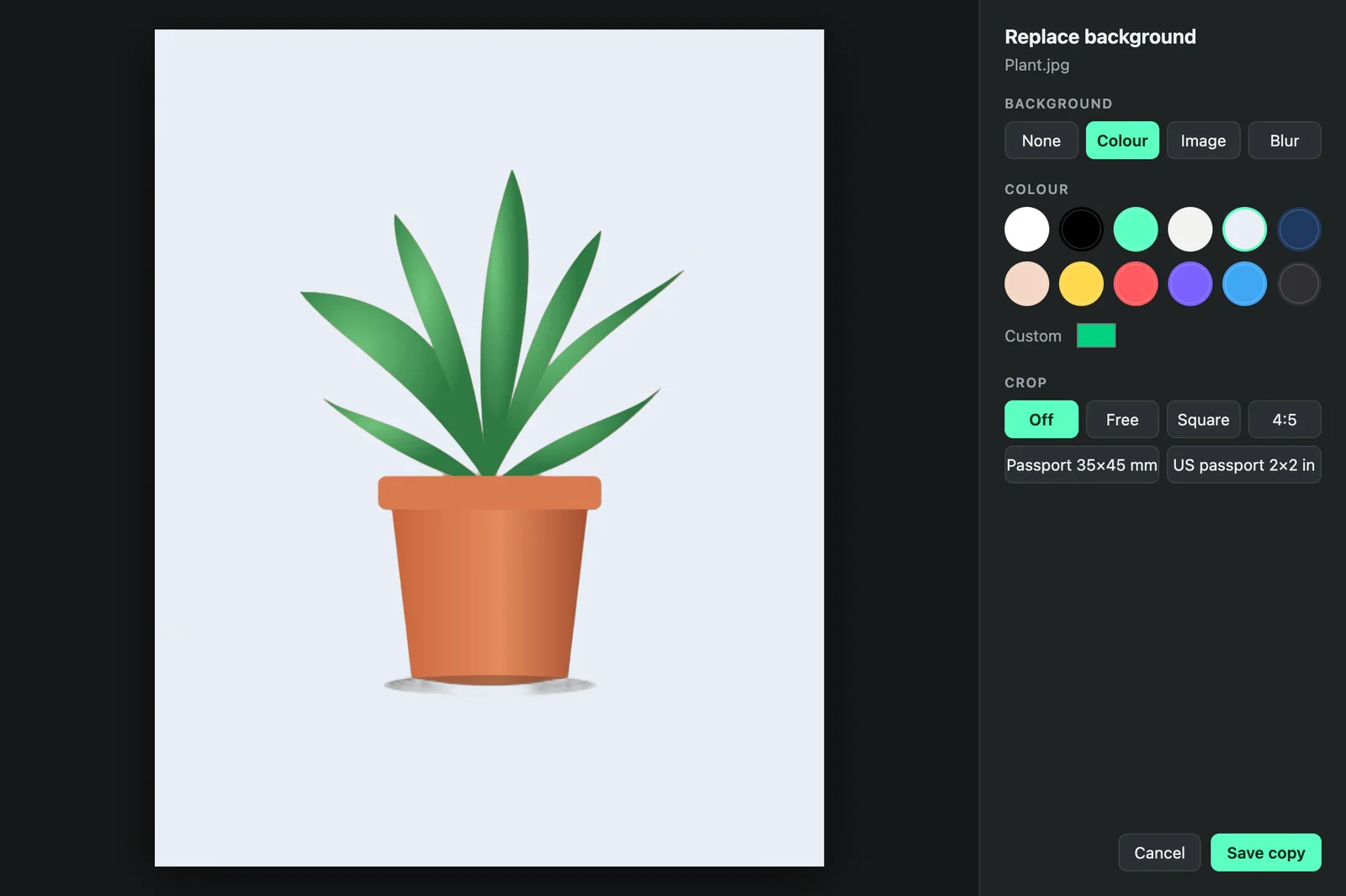
Replace the background

Orbo cuts out the subject on your computer, then puts a colour, a photo, a soft blur of the original, or nothing behind it. You can crop freely or to presets, including passport photos at 35 × 45 mm and US 2 × 2 in, saved at print-ready size.

  • One-time model download, offline after that
  • Transparent PNG, or keeps your original format
Orbo's Replace background window showing a plant cut out onto a light background

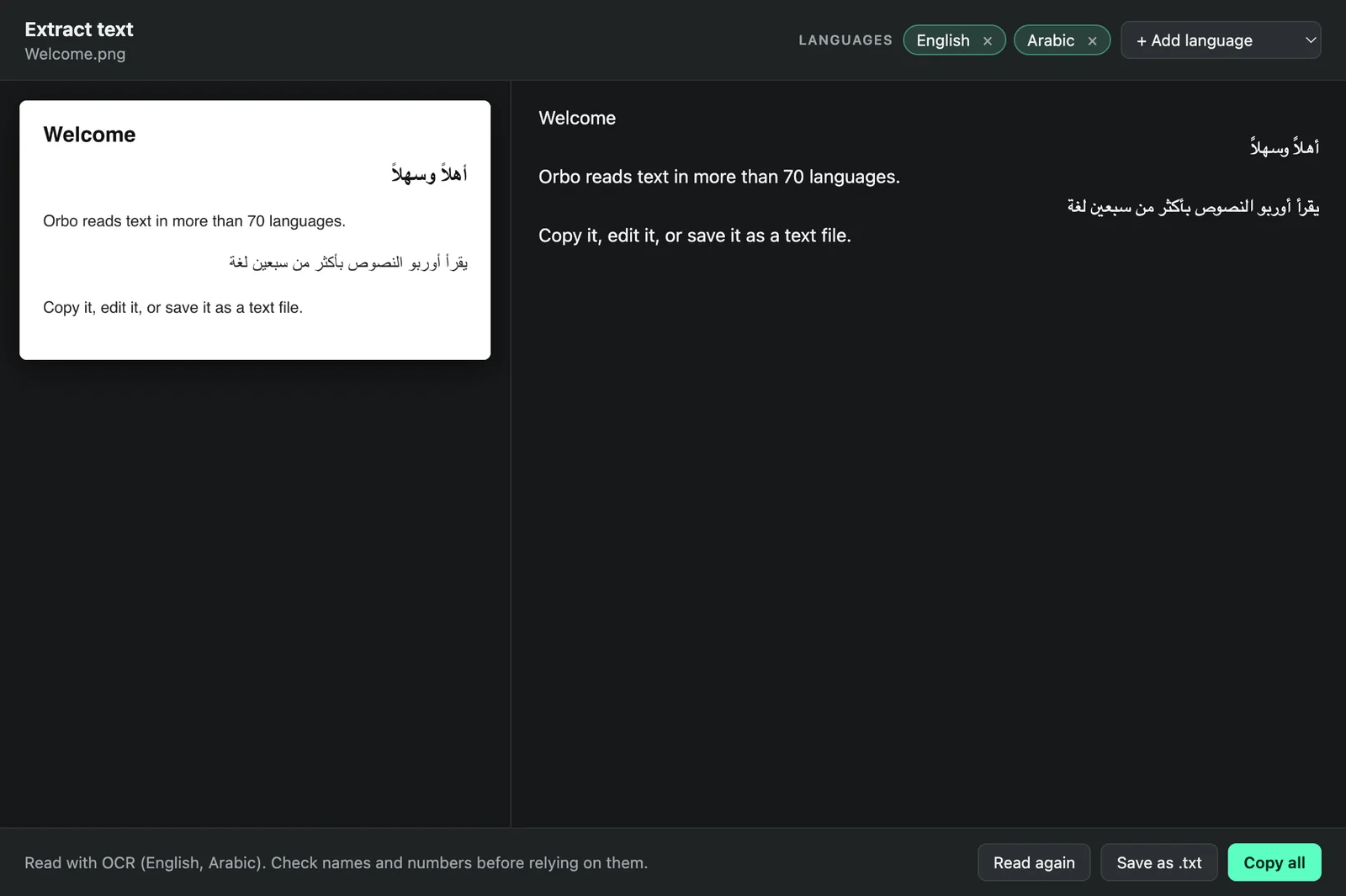
Extract text in 70+ languages

Copy the text from a photo, a scan or a PDF. English and Arabic are on by default, and you can add Chinese, Hindi, Urdu, French and dozens more. Each line keeps its own direction, so right-to-left text reads correctly.

  • Uses the file's own text when it has some
  • Copy it, or save it as a .txt
Orbo's Extract text window showing English and Arabic text read from an image

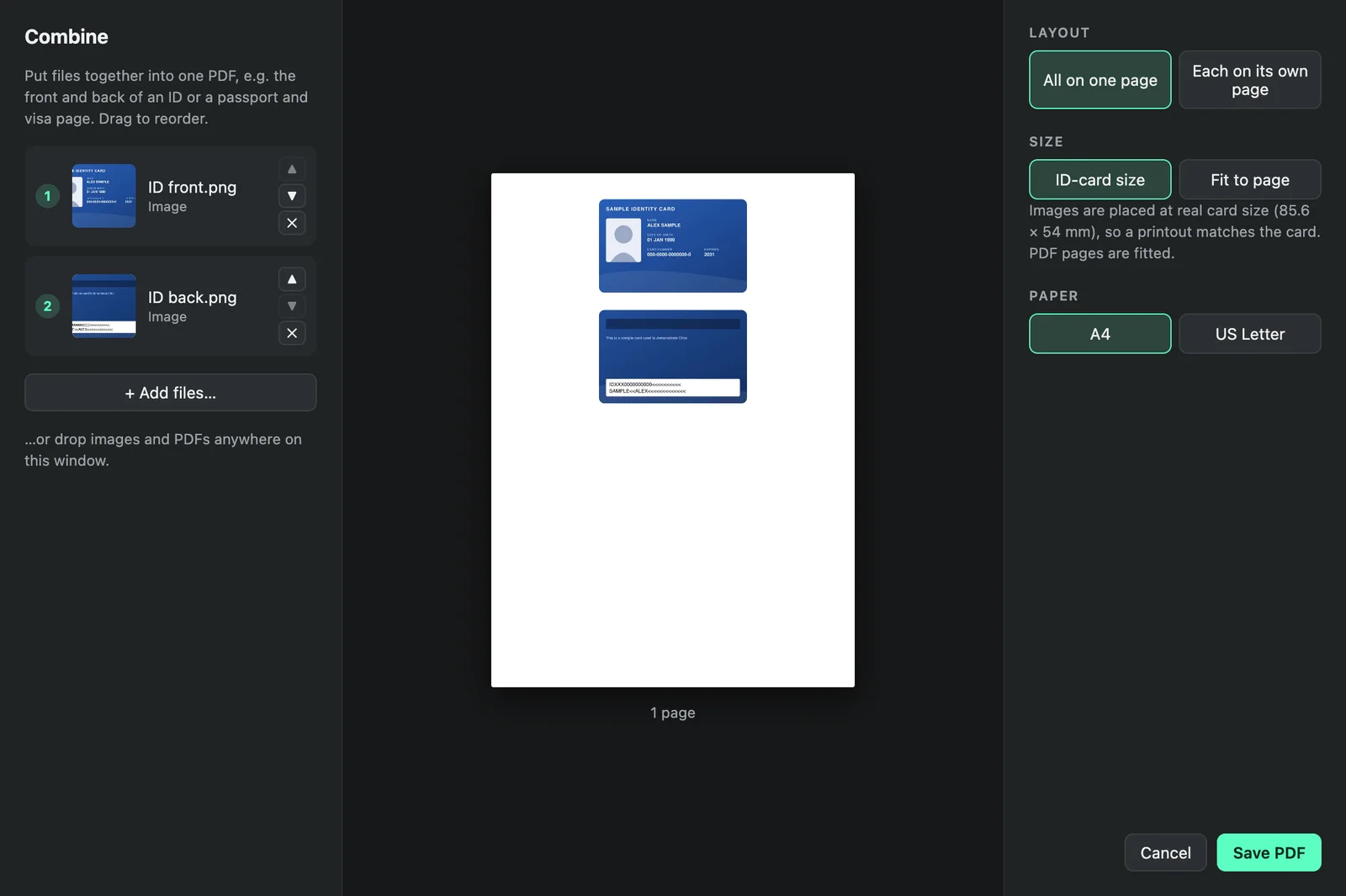
Combine IDs and documents

Put the front and back of an ID, or a passport and its visa page, into one PDF. Place cards at their real size (85.6 × 54 mm) so prints match the original, or let each page fill the sheet.

  • Drag in more files and reorder them
  • A4 or US Letter
Orbo's Combine window with the front and back of a sample ID card on one A4 page

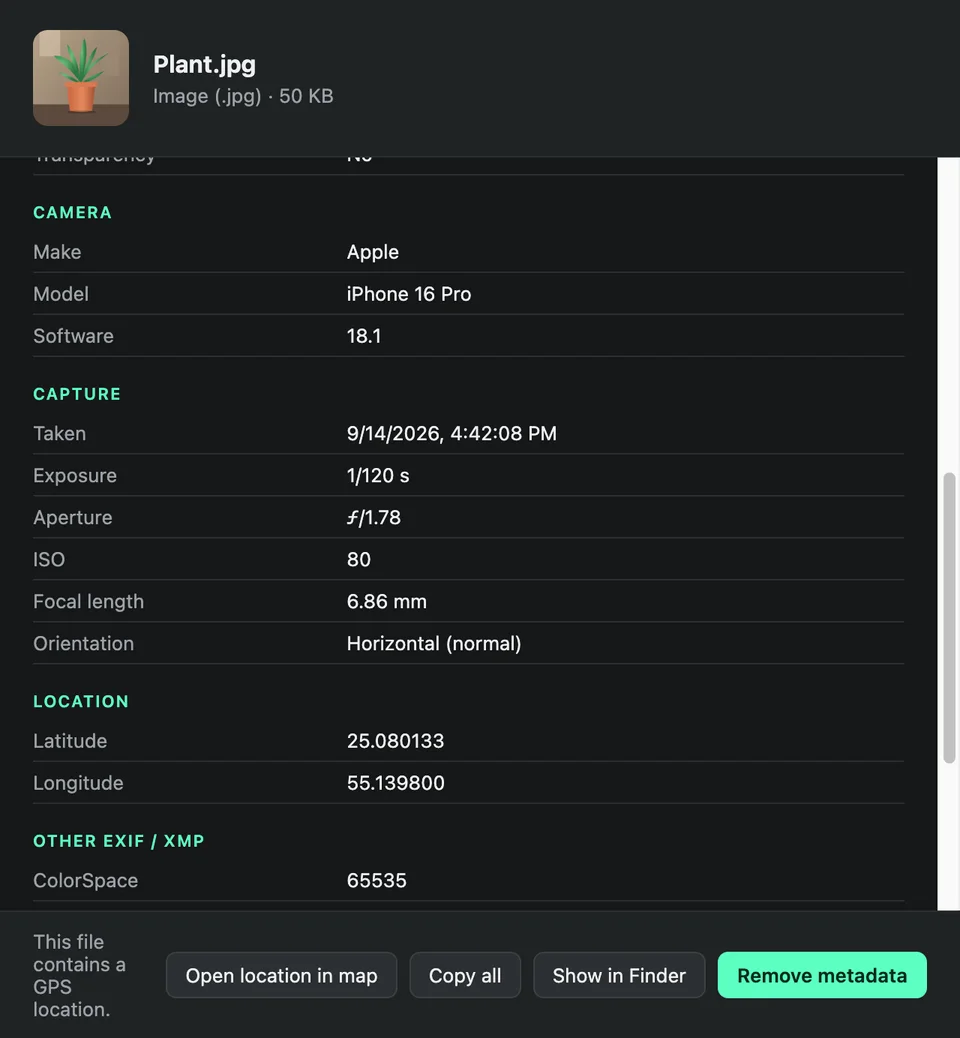
See what a file says about you

Open any file's metadata: the camera, the settings and the GPS location in a photo, the author and edit history in a document, the streams and tags in a video. Then save a clean copy with all of it removed.

  • Photos, PDF, Word, audio and video
  • Copy everything, or open the location on a map
Orbo's Metadata window listing a photo's camera and capture details

And the everyday ones

    Formats

    35 file types, in and out.

    Choose a format to see what it turns into. Conversions run on your computer with proven open-source engines, including libvips, pdf.js and FFmpeg.

    Private by design

    Your files stay on your computer.

    • Everything runs locally. Orbo never uploads your files, and there are no accounts.
    • Originals stay untouched. Every result is a new file saved next to the original.
    • Works offline. Only the background-removal model and OCR languages download once, the first time you use them.

    Download

    Get Orbo.

    Version 0.3.0. Install it once, and it waits in your menu bar or system tray.

    macOS

    macOS 12 Monterey or later

    Apple Silicon Intel

    Not sure? Apple menu → About This Mac. "Chip: Apple M…" means Apple Silicon.

    Windows

    Windows 10 or 11, 64-bit

    Download installer

    One click to install. Orbo starts right away and sits in the system tray.

    First launch on a Mac
    1. Open the .dmg and drag Orbo into Applications.
    2. Open Orbo. macOS says it can't verify the developer, so click Done.
    3. Go to System Settings → Privacy & Security, scroll down and click Open Anyway.
    4. When asked, switch on Orbo under Accessibility, so it can notice the drag and the key.
    First launch on Windows
    1. Run the installer. If "Windows protected your PC" appears, click More info → Run anyway.
    2. That's it. Orbo starts in the system tray (under ^ near the clock) and opens at sign-in.

    SHA-256 checksums

    FAQ

    Questions

    Why does my computer warn me when I first open Orbo?

    Orbo isn't sold through the App Store or Microsoft Store, so macOS and Windows ask you to confirm the first time you open it. The steps are in the Download section. You only do this once.

    Why does Orbo need Accessibility access on a Mac?

    To notice when you're dragging a file and when you press the key that opens the wheel. Orbo only reacts to the drag and that key. It doesn't record what you type, and nothing leaves your computer.

    Does Orbo upload my files?

    No. Every conversion and tool runs on your computer. The only downloads are the background-removal model and OCR language data, once each, the first time you use those tools.

    Can I use different keys?

    Yes. Click Orbo in the menu bar (Mac) or system tray (Windows) to choose the keys for each wheel, turn Orbo off for a while, or stop it opening at login.

    What if Orbo doesn't know my file type?

    Drop it on the middle of the wheel. Orbo stays open and lists what it can do with that exact file. Anything can at least be zipped, hashed, duplicated, or have its path copied.

    How do I uninstall it?

    Mac: quit Orbo from the menu bar, drag it from Applications to the Bin, and remove it from Privacy & Security → Accessibility. Windows: Settings → Apps → Installed apps → Orbo → Uninstall.